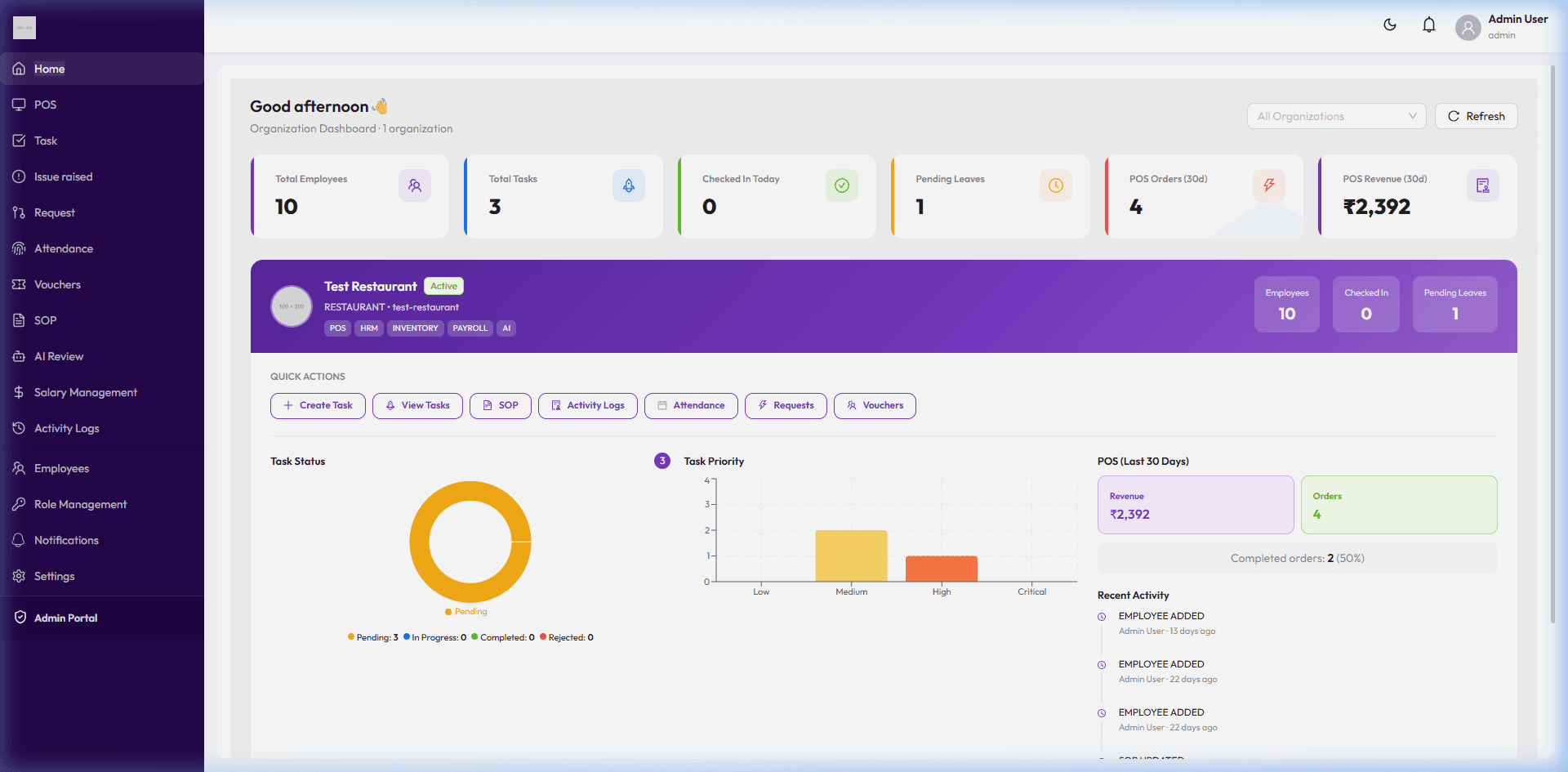
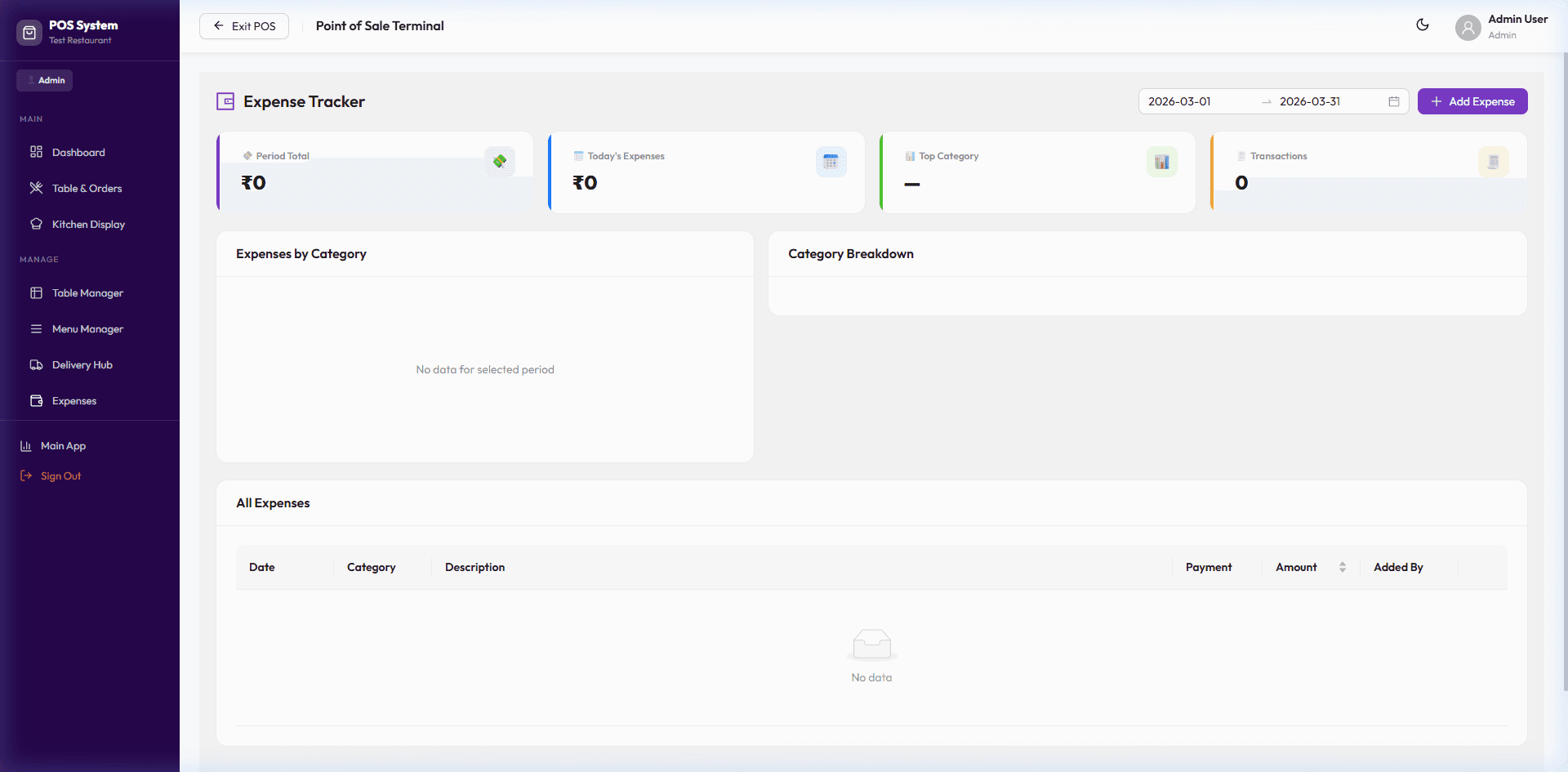
Restaurant inventory management that catches shortages before they hit
Stock tracking, supplier management and purchase orders — with low-stock alerts so re-ordering happens on your terms, not the kitchen's.
Module 01
Know your stock before it runs out
Every inventory item — produce, dairy, meat, packaging — is tracked with a current stock level and a minimum threshold. When stock drops below that threshold, OutletOps flags it, so re-ordering happens before it becomes a service problem instead of after.
Per-item stock tracking with category, unit and cost-per-unit
Automatic low-stock alerts based on a minimum threshold you set
Full stock transaction history — purchases, kitchen consumption, and wastage
Expiry tracking for perishable categories like dairy and meat
Know your stock before it runs out
Module 02
Suppliers and purchase orders, without the spreadsheet
Manage your supplier list and raise purchase orders directly against them. Every received order updates stock automatically, so your inventory numbers stay accurate without a manual recount.
Supplier directory with contact details and item associations
Purchase orders with expected delivery dates and item-level costs
Stock levels update automatically the moment a PO is marked received
Wastage logging separate from consumption, so you can see exactly where losses happen
Suppliers and purchase orders, without the spreadsheet
Frequently asked questions
How do low-stock alerts work?
Does receiving a purchase order update stock automatically?
Can we track wastage separately from normal usage?
Does inventory management work across multiple outlets?